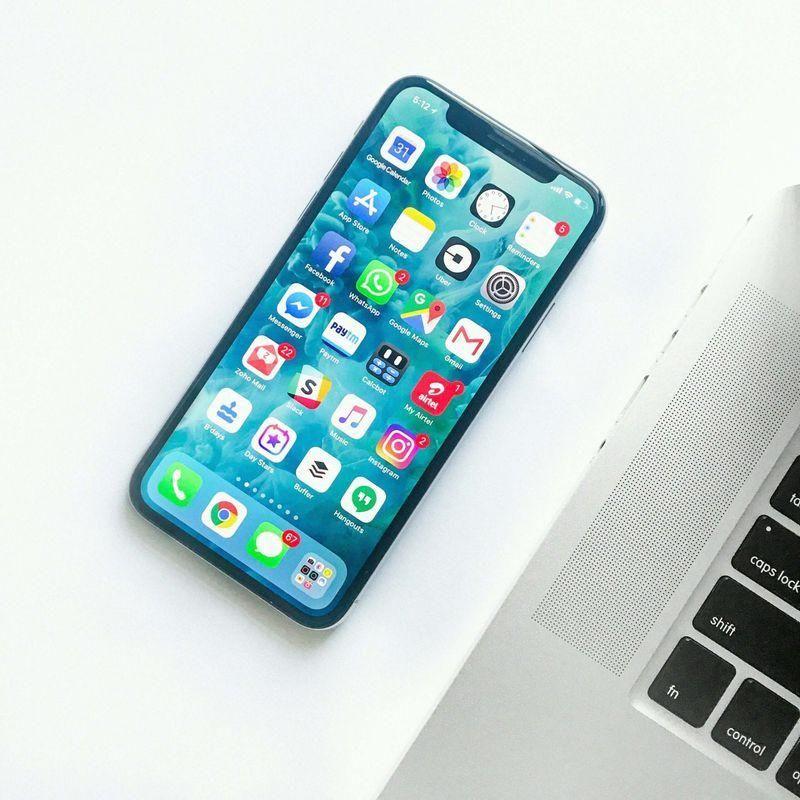
- Your Android phone is hiding powerful tools that can save battery, protect your privacy, and make everyday tasks easier
- Most Nigerians never touch these features because they are buried inside Settings
- From split-screen multitasking to one-handed mode, these hidden Android features can completely change how you use your phone
Nigerians spend an average of N10,000 on mobile data every month. A big chunk of that money is going to features you didn't even ask your phone to run.
Your Android phone is hiding powerful tools that can save battery, protect your privacy, and make everyday tasks easier.
Most Nigerians never touch these features because they are buried inside settings, not because they're unavailable.
From split-screen multitasking to theft protection, these hidden Android features can completely change how you use your phone.
13 hidden Android features you should know
1. Data saver
Somewhere in your settings, there's a mode that quietly stops apps from sucking data in the background. It's called Data Saver, and Android has had it since.
Turn it on and apps like Instagram, TikTok, and Facebook stop loading things you're not even looking at.
Go to Settings > Network & Internet > Data Saver and turn it on.
2. One-handed mode
Most Android phones now have a one-handed mode that shrinks your whole screen down so your thumb can reach everything.
On many phones it's hiding under Settings > Convenience or activated by swiping down at the bottom edge of your screen.
3. App cloner
Most Android phones (especially Tecno, Infinix, and Samsung) have a built-in Dual Apps or App Twin feature that clones an app so you can log in twice on the same device.
Check Settings > Apps > Dual Apps / App Cloner.
4. Screen pinning
Your small cousin wants to "just play one game" and next thing, they're in your gallery, your Snapchat, your everything.
Screen pinning locks your phone to a single app so whoever's holding it literally cannot leave that app without a PIN.
It's buried in Settings > Security > Advanced > App Pinning.
5. Guest mode
Somebody wants to borrow your phone to check something quick, and your heart starts to race because your WhatsApp is open and your gallery isn't clean.
Guest Mode creates a separate, empty version of your phone, no access to your apps, messages, or photos, for anyone who needs to borrow it.
Find it under Settings > System > Multiple Users > Guest.
6. Battery saver scheduling
Light is not stable, and neither is your battery once apps start running wild in the background.
Android's built-in battery saver can be scheduled to switch on automatically at a percentage you choose, like 20% instead of you remembering to do it yourself.
7. Data usage tracker
Here's where you see the receipts from the data saver. Go to Settings > Network & Internet > Data Usage and you'll see, app by app, exactly who has been finishing your money, and trust me, it's usually not the app you suspect.
8. Files by Google
Most Android phones already come with (or can install free) Files by Google, an app that scans your phone and shows you exactly what junk, duplicate photos, and unused apps are eating your space.
It even lets you share files offline with people nearby without using data at all, huge for swapping music, videos, or documents.
9. Adaptive brightness and dark mode combo
Everybody knows dark mode. Very few people combine it with adaptive brightness, which learns how you like your screen in different lighting and adjusts automatically instead of you manually sliding it every five minutes.
Together, under Settings > Display, this combo can meaningfully stretch your battery life across a full day.
10. Focus mode
If you need to study or work on an assignment, Focus Mode temporarily pauses distracting apps without uninstalling them.
Your notifications stay quiet until you're ready, helping you finish tasks faster.
11. Emergency information
Hopefully you'll never need it, but adding your emergency contact, blood group, allergies, or medical information allows first responders or helpful strangers to access critical details from the lock screen on supported Android devices.
It's one of those features you set once and hope never gets used.
12. Live caption
If you're watching a video with poor audio, turn on Live Caption and Android automatically creates captions for supported media.
It's useful when you're in a noisy bus, trying not to disturb people around you, or simply can't hear clearly.
Many Android users never realise this feature already exists.
13. Split screen
Android lets you run two apps on the same screen. This is perfect for students taking online classes, remote workers attending meetings while taking notes, or anyone comparing prices while shopping online.
Once you start using Split Screen, switching between apps suddenly feels slow.
10 iPhone battery hacks every Nigerian user should know
Whether you're a student, remote worker, content creator, entrepreneur or someone who simply can't afford a dead phone in traffic, getting the most from your iPhone battery is survival.
The settings on your iPhone and your charging habits are silently draining your battery life every single day.
TheRadar has compiled 10 practical iPhone battery hacks that are easy to apply and don't require buying a new phone or power bank.